Drop a link. Get your file.
Paste a direct HTTP or HTTPS URL. DSDM handles redirects and supports multiple connections where the server allows.
 DSDMDS download manager
Files, videos, audio. One calm place to save them all. Meet the download manager that gives you control—without asking for your card.
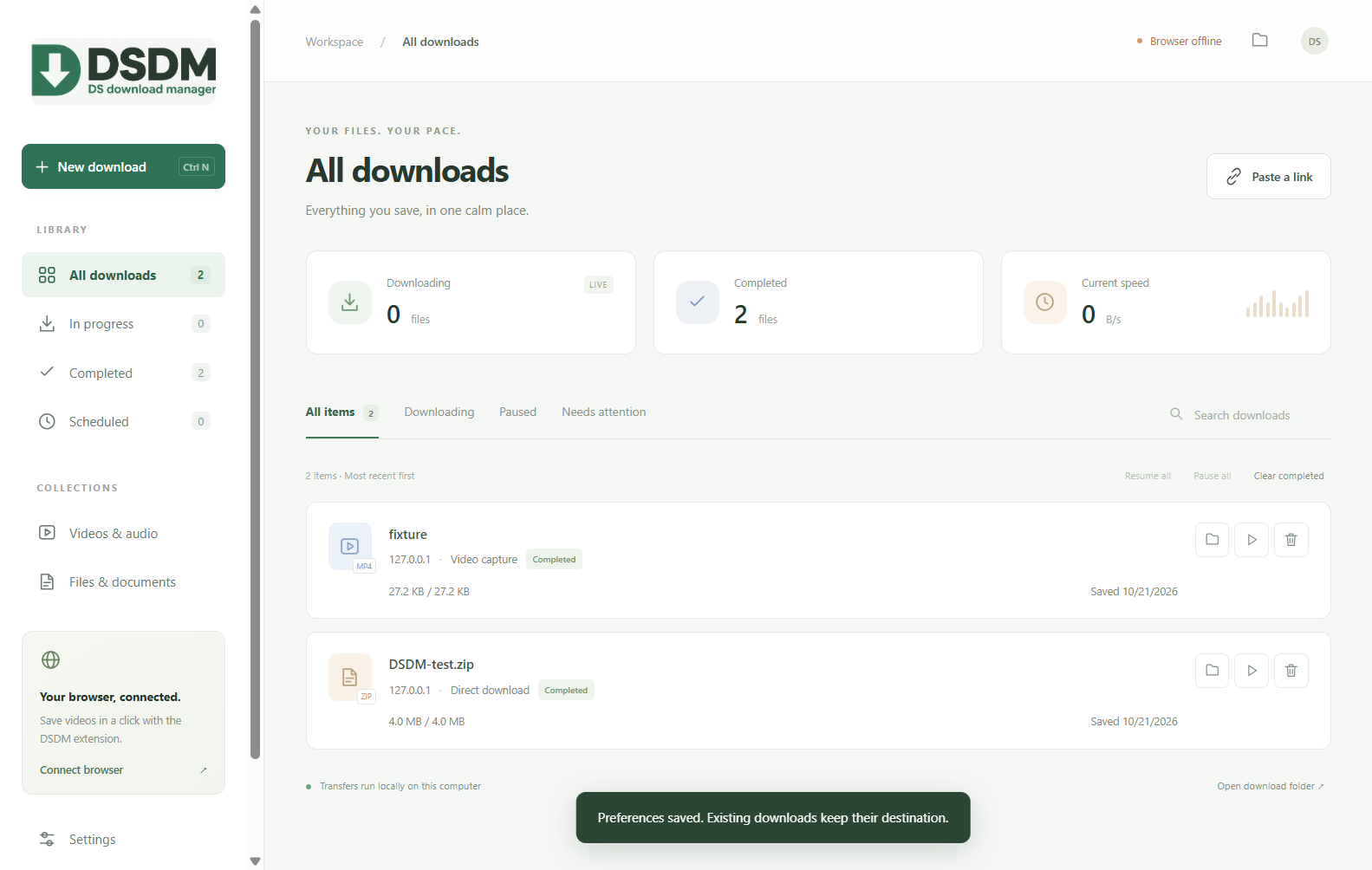
No payment popups. No subscriptions. No “your trial has expired” after a month. DSDM never asks you to pay to keep downloading.
NO EXPIRY DATE.Useful tools for the things you download every day. All included, from day one.
Paste a direct HTTP or HTTPS URL. DSDM handles redirects and supports multiple connections where the server allows.
Save supported public videos, choose an available quality, or extract MP3 audio. YouTube titles make your library easier to browse.
The Chrome and Edge companion sends supported downloads to DSDM and adds download buttons to detected videos.
Take a break and resume supported transfers. Temporary network failures retry automatically, so a hiccup needn’t end a download.
Schedule a start time, set download speed limits, and keep your files tidy with queues, filters and search.
Check for updates inside the installed app. New features arrive without a new bill—or an account to create.
Video support varies by site. DRM-protected media and login-required content are not supported. Scheduling requires DSDM to stay running; resume depends on the source server.
Install DSDM first, then connect your browser.
Your home for files, videos and audio. Includes in-app updates.
Download installer .EXE ↓Capture supported downloads and detected videos in Chrome or Edge.
Download extension .ZIP ↓Downloads are hosted on GitHub. No account needed. Release notes & checksums ↗
Download and run the Windows installer, then open DSDM.
Extract the extension ZIP. Open chrome://extensions or edge://extensions, enable Developer mode, choose Load unpacked, and select the extracted folder containing manifest.json.
Copy the code from DSDM Settings into the extension’s connection settings. Keep DSDM open and enable automatic downloads.